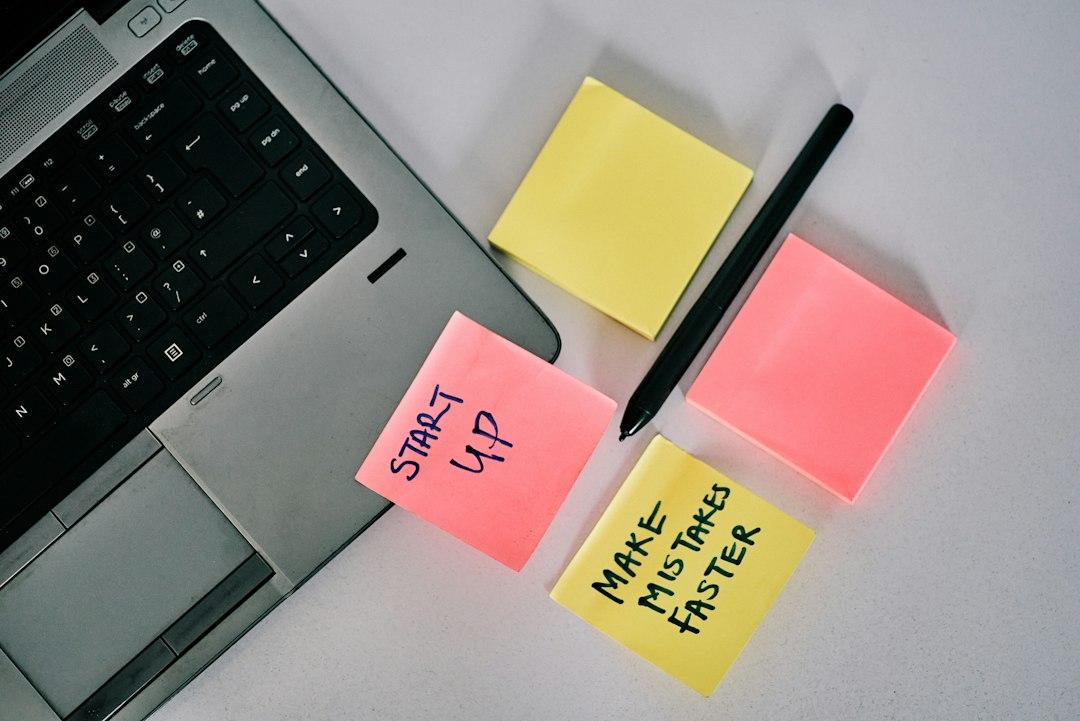
The short answer is that your agent does not have a screenshot problem. It has a context problem. It can see the pixels fine. What it cannot see is who sent the note, which build it points at, what you already decided last Tuesday, and which of the eleven comments actually matter.
I learned this the annoying way. On a redesign for one of our wedding venues, a client sent back a 34-page PDF with 61 comments. I pasted page 12 into my agent and asked what needed to change. It gave me a confident, wrong answer for twenty minutes. The circle was around a zip code field. The real note was that the form defaulted to US-only formatting for Canadian guests, which the client had told me on a call three weeks earlier and I forgot. No model reads a phone call off a red circle.
Why Does Your Agent Keep Asking You to Explain the Same Note?
Because you are handing it an artifact and calling it a message.
Client feedback has three layers. The artifact is the screenshot, markup, or PDF. The annotation is the arrow, the red box, the sticky note. The intent is what the client wants changed and why they care. Vision models are genuinely good at the first two. The third layer lives in your head, and every chat that starts from zero is a chat where the third layer gets typed out again.
The tell is when you catch yourself writing things like "she means the button on the checkout page, not the homepage, and she already rejected the blue version." That is not a prompt. That is context you should have written down once, six months ago, in a file.
I currently run multiple AI companies, resorts, wedding venues, and a slew of other businesses. This problem showed up in all of them at the same time, same shape. Different client, same missing layer.
What Does a Screenshot Actually Contain That the Agent Needs?
More than you think, but less than the answer.
The move that changed everything for me was forcing the agent to transcribe before it interprets. Two separate calls. The first returns structured JSON with no opinions. The second reads that JSON. If you let one model do both at once, it paraphrases, and you lose the exact words your client will hold you to in three weeks.
The JSON I ask for now has seven fields: source file, page or screen, region as percentages, annotation type, verbatim text, guessed element, confidence from 1 to 5. Mapping the region to a known element list is where most AI agent screenshots setups fall apart, so I keep a short list of every named element on the page and make the model pick from it instead of inventing a label.
For tooling: Claude with vision and GPT-4o both handle screenshots and phone photos of printouts well. For PDFs, do not screenshot at all. Adobe Acrobat exports comments straight to CSV with author, page, timestamp, and text. PyMuPDF reads the annotation objects programmatically if you want to skip the export. Figma comments come out through the API already structured. Marker or Mistral OCR covers the scanned pages and the handwriting.
The biggest unlock is the boring one. Never OCR what you can query.
How Do You Turn This Into an Agentic Workflow You Set Up Once?
Four moving parts and one human gate.
Intake. One shared Google Drive or Dropbox folder per client. Naming convention: client, project, build date, source. That filename is context, and it costs nothing.
Trigger and extract. Zapier, Make, or n8n watches the folder. When a file lands, an HTTP node calls the vision model with the fixed transcription prompt and gets JSON back. That is the whole no code AI agents story, and it is less glamorous than it sounds.
Normalize. Write every annotation as one row in Airtable or a Google Sheet. I call it the feedback ledger. Columns: verbatim note, source file, page, date, status, owner, my decision. Then a second model call groups rows that say the same thing. On that venue refresh, 61 comments collapsed into 9 real decisions. Two of the 9 contradicted each other, and nobody had noticed in the PDF.
Draft and gate. The agent proposes one change per row in plain language with the verbatim quote attached. I approve or reject in the sheet. Those approvals are the most valuable thing in the system, because next time the agent reasons from my past decisions instead of my memory. That ledger is your client feedback context, and it compounds every month.
So the agentic workflow is not a smarter model. It is a file that lands in a folder, a schema that never changes, and a ledger that remembers what I said yes to.
What Should Live in the Standing Context File?
The file matters more than the prompt. Mine is a markdown doc that stays under about 2,000 words so it fits into every call without trimming.
Five sections. The client glossary, so the agent knows "the hero" means the top banner and not a person. The decisions log, dated, so it stops re-proposing what I already rejected. The non-negotiables, meaning the three or four things never up for discussion in this account. The line between blocking and nice to have. And the output format, which for me is always a numbered list with the quote above each proposed change.
Then paste it into Claude Projects, custom instructions, or a system prompt in n8n, and keep the same file in Notion or in the repo so it versions. Date the top line.
This is the part of context engineering for founders that people skip. They buy the tool, they skip the file, then they are surprised the agent still starts from zero. The file is the whole point.
Where Does This Still Break?
Handwriting on a printed page photographed at an angle. Dense financial tables. Any note that says "make it pop." Comments that reference a call I was on and the agent was not.
I stopped trying to fix those with better prompts. Now the agent flags low-confidence rows and asks me, and my one-line answer gets appended to the ledger. A wrong guess costs an hour of rework. A question costs four seconds. The other failure is version drift: if three people send markups on two different builds, the agent will merge them into one confident mess. Put the build date in the filename and make the pipeline reject anything without one.
FAQ
Can my agent read handwritten markups on a printed PDF? Sometimes. Marker and Mistral OCR handle clean handwriting on a flat scan reasonably well. Angled phone photos of a marked-up printout are still shaky, so ask for a confidence score per annotation and review anything under 4 out of 5 yourself.
Do I need to code this, or can I use no code AI agents? No code is enough for most founders. n8n, Make, or Zapier plus Airtable covers intake, extraction, the ledger, and the human gate. I only write code when a source system already exports comments through an API, like Figma or Acrobat, and even then it is a short script, not a project.
How much client feedback context is too much to paste in? Too much is when the model starts ignoring the middle of the document. In practice, keep the standing file under 2,000 words and send one artifact per call. If a PDF has 60 comments, run the ledger first and send the 9 grouped decisions, not the 60 raw notes.
If you want the exact setup instead of my description of it, I wrote the full playbook. How to Build Your Own AI Agent Operating System walks you through the architecture I use, step by step, including the transcription schema and the folder structure. You can get it at a.mastermindshq.business/ai-os-book.