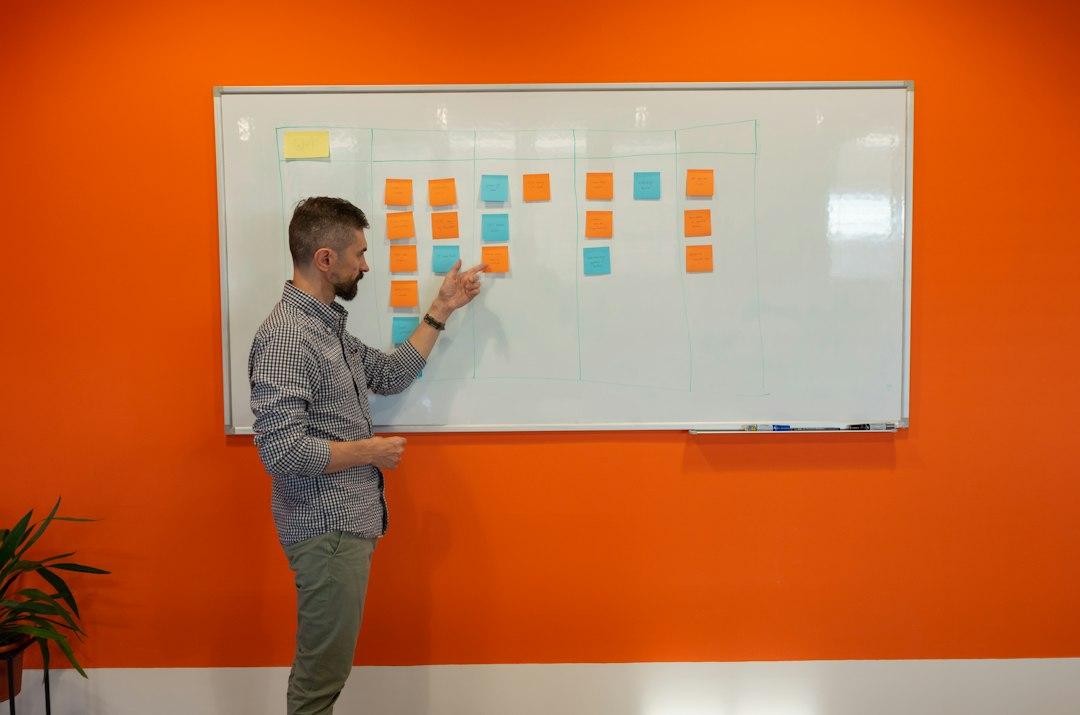
The short answer: organize by workflow, then tag by client and project. Client-first folders feel tidy for about two weeks, right up until the same proposal gets written four different ways for four different clients. The structure that lasts is the one built around the work that repeats.
What does organizing an AI agent operating system actually mean?
Most people picture folders. A drawer labeled Clients, one labeled Projects, one labeled SOPs. That is file management, not an operating system.
An AI agent operating system is the layer that decides what your agent knows before it types a single word. That is context engineering. It is the client brief, the tone guide, the pricing sheet, the last three reports, and the rule that says never quote a discount without checking the rate card. If your agent starts every chat from zero, you do not have a model problem. You have a context problem.
I run 45 AI employees across my businesses. They are not smarter than yours. They just get handed the right files before they start.
Why does organizing by client break down first?
Client folders are the most intuitive and the first to rot.
Here is what happens. You sign a new client, you make a folder. Inside goes the onboarding doc, the proposal, the monthly report template, the meeting notes. Three months later you have 14 client folders, and the same proposal has been rewritten 14 times with slightly different language. The work was never client-specific. The wrapper was.
Client work is mostly the same six motions: discovery, proposal, onboarding, delivery, reporting, renewal. Organizing by client buries those motions in 14 places. Organizing by workflow teaches them once.
There is a second cost. Client folders create a memory problem. The agent has to be told which folder matters today, and it guesses wrong. Workflow folders do not guess. The reporting agent reads from the reporting folder and the client record it is pointed at.
This is the whole debate about how to organize AI agents by client vs project, and it is a false choice. Neither one is the top level. Both are labels.
When does project-based organization actually make sense?
Projects are real. They have a start, an end, and a deliverable. A new website build, a product launch, a conference. An agent that helps you ship a launch is different from an agent that helps you write a weekly report, and it should live in a different place.
So use project structure for bounded work. Keep one folder per active project, and let it hold the timeline, the brief, and the deliverable drafts. Linear, Asana, or a simple Airtable base all work for this.
The mistake is making project the top level for everything. Projects multiply faster than clients. Six months in you have 40 of them, half are dead, and your agent is reading from a graveyard. Projects should be a tag on the work, not the shelf the work sits on.
How do you organize by workflow and still keep client context?
Four steps, and none of them require code.
1. List the workflows that repeat every week. Not every task. The repeating ones. For most founders it is five to eight: content, outreach, proposals, delivery updates, reporting, bookkeeping, hiring. Write them down on paper first. If a workflow does not repeat, it does not get an agent.
2. Give each workflow its own agent, its own instruction file, and its own folder. One agent for proposals. One for the weekly client report. One for content drafts. Each instruction file holds the tone, the format, the rules, and examples of what good looks like. Keep these in Notion or Google Docs so you can edit them without touching the agent itself.
3. Turn client and project into metadata, not folders. Build one Airtable base or Notion database with columns for client, project, status, and last contact. The workflow agent queries that table instead of being handed a folder. Now the same proposal agent works for every client, and it pulls the right name, rate, and history from the record.
4. Give every client one context document. A single page: who they are, what they bought, what they hate, what they said on the last call. When the agent starts, that document loads first. This is the whole trick behind context engineering for founders. The agent does not need to be brilliant. It needs to be briefed.
If you want the agents to actually run on a schedule, wire them up in n8n, Make, or Zapier. All three let you build no code AI agents that fire without you. n8n gives you the most control, Make is the friendliest, Zapier is the fastest to stand up. Start with one workflow, not seven.
I built this the slow way. For years I had a folder called Clients with 200 subfolders and no idea what was in half of them. The day I flipped to workflow-first, my agents stopped asking me what I meant.
How do you know the structure is working?
Three signals. You stop re-explaining your business. Your agent finishes the job instead of returning a draft with a question mark attached. And when you open a new client, you do not build anything new, you just add a row.
If you are still pasting the same background paragraph into every chat, the structure is not working yet. That is not a model problem. It is an AI agent OS structure problem, and it is fixable in an afternoon.
FAQ
Should I just use folders in Google Drive?
Folders are fine for storage and terrible for instruction. Use Drive or Notion to hold the documents, but the agent needs an instruction file and a client record it can read, not a directory tree it has to navigate.
Do I need to code to build this?
No. You need a place to store context like Notion, Google Docs, or Airtable, an agent tool like Claude or ChatGPT, and optionally n8n or Make if you want it running on a schedule. The hard part is deciding what the agent should know, not the wiring.
What if I only have one or two clients?
Start with workflows anyway. You will have more clients soon, and rebuilding the structure later costs more than building it right now. With two clients, the workflow structure takes about an hour to set up.
I wrote the full playbook for this. How to Build Your Own AI Agent Operating System walks you through the exact architecture I use, step by step. You can get it at a.mastermindshq.business/ai-os-book.